


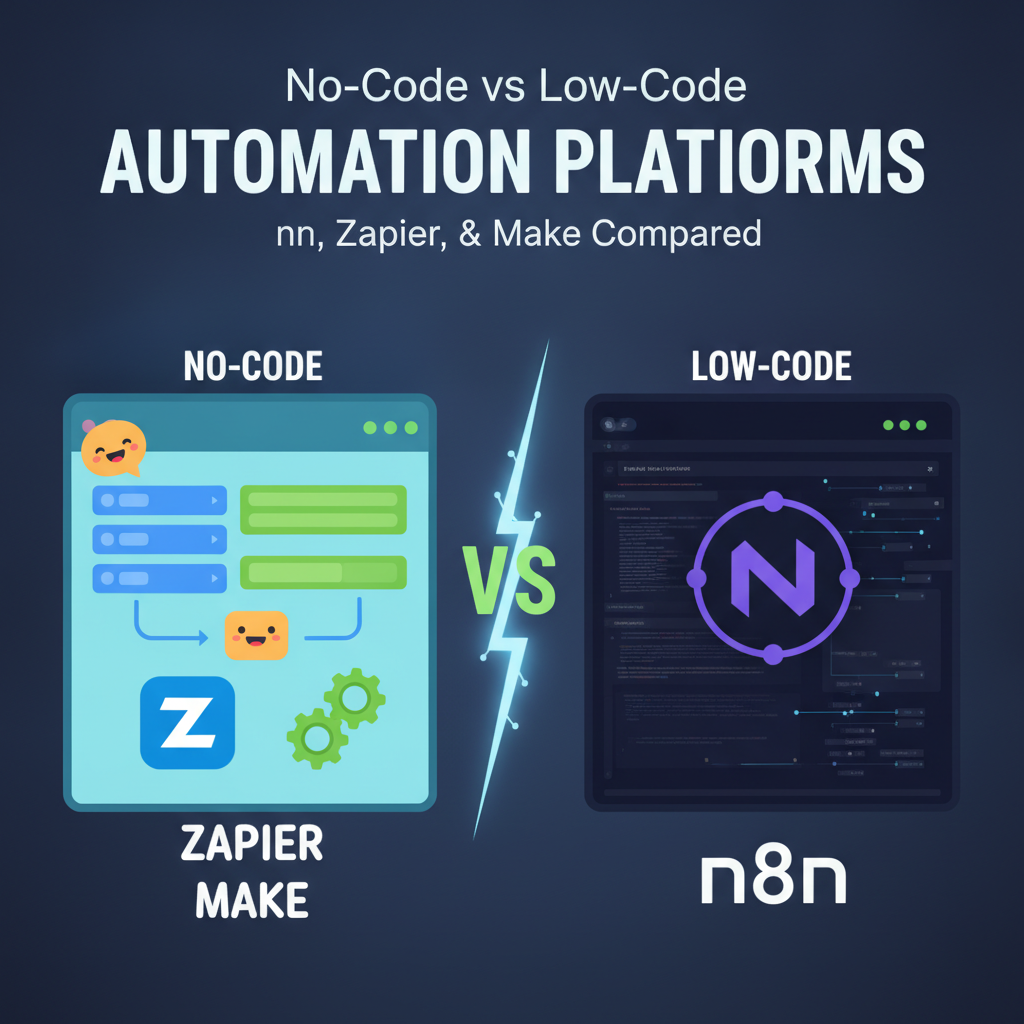
No-Code vs Low-Code Automation Platforms: Zapier, Make, and n8n Compared
In today’s fast-paced digital world, manual tasks can quickly become bottlenecks, stifling productivity and growth. Automation is no longer a luxury but a necessity for businesses looking to scale efficiently. But with a growing number of tools available, how do you choose the right platform for your needs?
This comprehensive guide dives into the world of **no-code and low-code automation**, comparing three leading platforms: **Zapier, Make (formerly Integromat), and n8n**. We’ll explore their strengths, weaknesses, target audiences, and help you decide which tool can best streamline your workflows and empower your team.
Understanding No-Code vs. Low-Code Automation
Before we compare the platforms, let’s clarify the fundamental difference between no-code and low-code automation.
What is No-Code Automation?
No-code automation platforms allow users to build powerful integrations and workflows without writing a single line of code. They typically feature intuitive drag-and-drop interfaces, pre-built templates, and a strong focus on ease of use.
* **Who it’s for:** Business users, marketers, project managers, small business owners, and anyone who wants to automate tasks without technical knowledge.
* **Key benefit:** Democratizes automation, making it accessible to a wider audience.
What is Low-Code Automation?
Low-code automation platforms provide a visual development environment with minimal coding required. While they offer pre-built components and drag-and-drop functionality like no-code tools, they also allow developers or tech-savvy users to write custom code, extend functionality, and integrate with more complex systems.
* **Who it’s for:** Developers, IT professionals, and technically proficient business users who need more flexibility and customization than no-code offers.
* **Key benefit:** Offers greater power and flexibility for complex scenarios, bridging the gap between ready-made solutions and full custom development.
The Contenders: n8n, Zapier, and Make (formerly Integromat)
Let’s introduce our three automation champions:
Zapier: The No-Code Pioneer
**Zapier** is arguably the most well-known no-code automation platform. It allows users to connect thousands of web applications and automate tasks with simple “Zaps” – automated workflows that follow an “If This, Then That” logic. Its strength lies in its vast app ecosystem and user-friendly interface.
Make (formerly Integromat): The Visual Powerhouse
**Make** (rebranded from Integromat) is a highly visual automation platform that allows users to design complex workflows using a modular, drag-and-drop interface. It excels at handling multi-step scenarios, conditional logic, and iterative processes, often providing more power than Zapier for intricate tasks.
n8n: Open-Source Flexibility for Low-Code Enthusiasts
**n8n** stands out as an open-source, low-code automation platform. It offers tremendous flexibility, allowing users to self-host their instance, extend functionality with custom code, and connect to a wide array of applications and APIs. While it has a steeper learning curve, it provides unparalleled control and customization.
Head-to-Head Comparison: Zapier vs. Make vs. n8n
Now, let’s put these platforms side-by-side across key criteria.
Ease of Use & Learning Curve
* **Zapier:** **Easiest to learn.** Its linear “trigger and action” model is incredibly intuitive for beginners. You can build your first “Zap” in minutes.
* **Make:** **Moderately easy.** The visual canvas provides a clear overview of workflows, but designing complex scenarios with multiple branches and error handling requires a bit more thought and learning than Zapier.
* **n8n:** **Steepest learning curve.** While it has a visual editor, understanding nodes, expressions, and potentially writing custom JavaScript requires more technical proficiency. However, its community and documentation are robust.
Flexibility & Customization
* **Zapier:** **Least flexible.** Primarily designed for straightforward integrations. Advanced logic can be clunky, and custom code options are limited to Webhooks and Code steps.
* **Make:** **Highly flexible.** Its modular design allows for complex, multi-branch workflows, error handling, iterators, and aggregators. You can build incredibly sophisticated automation scenarios.
* **n8n:** **Most flexible.** As a low-code platform, it allows for custom JavaScript code within nodes, extensive API integrations, and self-hosting for ultimate control over your data and environment. It can handle almost any integration challenge.
Integrations & App Support
* **Zapier:** **Largest app library.** Boasts over 5,000 integrations, making it highly likely that your apps are supported out-of-the-box.
* **Make:** **Extensive and growing.** Offers thousands of integrations, often with deeper module capabilities than Zapier. Less sheer volume than Zapier, but quality and depth are excellent for major apps.
* **n8n:** **Strong and expandable.** Integrates with hundreds of popular apps and offers excellent support for generic webhooks and custom HTTP requests. Its open-source nature means the community frequently contributes new nodes, and you can build your own.
Pricing Models & Scalability
* **Zapier:** **Subscription-based, tiered by tasks.** Pricing can become expensive quickly as your task volume grows, especially with multi-step Zaps where each step counts as a task.
* **Make:** **Subscription-based, tiered by operations.** Often more cost-effective than Zapier for complex workflows, as “operations” are generally handled more efficiently (e.g., a single HTTP request might be one operation, whereas Zapier might count multiple steps). It also offers a generous free tier.
* **n8n:** **Highly flexible pricing.**
* **Self-hosted:** Free (you only pay for your server infrastructure). Ideal for cost-conscious users with technical skills.
* **Cloud version:** Subscription-based, similar to Zapier/Make, offering convenience without the setup overhead.
Target Audience & Use Cases
* **Zapier:** Perfect for **small businesses, marketers, and non-technical users** who need quick, simple integrations between common apps (e.g., “Add new lead from Facebook Ads to Google Sheet”).
* **Make:** Ideal for **SMBs, advanced business users, and developers** who require more sophisticated, multi-step workflows with conditional logic and error handling (e.g., “Process e-commerce order, update CRM, send customer notification, and log to spreadsheet, handling payment failures”).
* **n8n:** Best suited for **developers, tech-savvy teams, and enterprises** that need deep customization, control over their data, self-hosting options, or highly specific low-level integrations (e.g., “Automate complex internal data synchronization across legacy systems and custom APIs”).
How to Choose the Right Automation Platform for You
Selecting the best platform depends heavily on your specific needs, budget, and technical capabilities. Consider these factors:
1. **Your Technical Skill Level:**
* **Beginner/Non-technical:** Start with **Zapier**.
* **Intermediate/Tech-savvy Business User:** Explore **Make**.
* **Developer/IT Professional:** Dive into **n8n**.
2. **Complexity of Workflows:**
* **Simple “If X then Y” logic:** **Zapier**.
* **Multi-step, branching, conditional logic:** **Make** or **n8n**.
* **Highly custom, low-level API interactions, custom code:** **n8n**.
3. **Budget & Scalability Needs:**
* **Cost-effective for moderate complexity:** **Make** often offers better value than Zapier.
* **Ultimate cost control and self-hosting:** **n8n** (self-hosted).
* **Premium cloud service with hands-off maintenance:** Cloud versions of all three.
4. **Data Sensitivity & Control:**
* **Need to keep data entirely in-house:** **n8n** (self-hosted).
* **Comfortable with reputable cloud providers:** All three (cloud versions).
5. **Existing App Ecosystem:**
* **Prioritize sheer number of direct integrations:** **Zapier**.
* **Need robust connections to common business apps:** **Make**.
* **Require custom API connections and community-driven nodes:** **n8n**.
Conclusion
The world of automation offers incredible opportunities to boost efficiency and innovation. Whether you opt for the simplicity of **Zapier**, the visual power of **Make**, or the open-source flexibility of **n8n**, each platform brings unique strengths to the table.
There’s no single “best” platform; the ideal choice is the one that aligns perfectly with your team’s technical proficiency, the complexity of your automation needs, and your budget. Evaluate your requirements, perhaps even experiment with their free tiers, and empower your business with the magic of no-code and low-code automation!
